
All your documents together
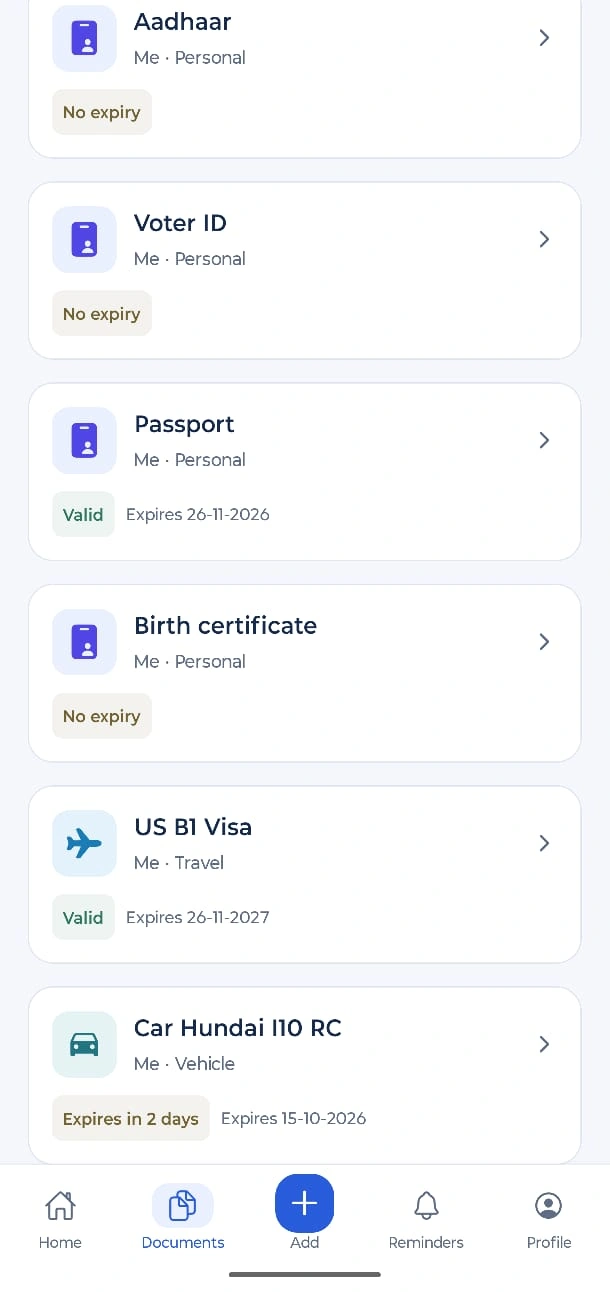
Passports, Aadhaar, insurance, vehicle papers, school and health records. Keep every file in one tidy place, sorted by category and by person.
Family documents, made calm
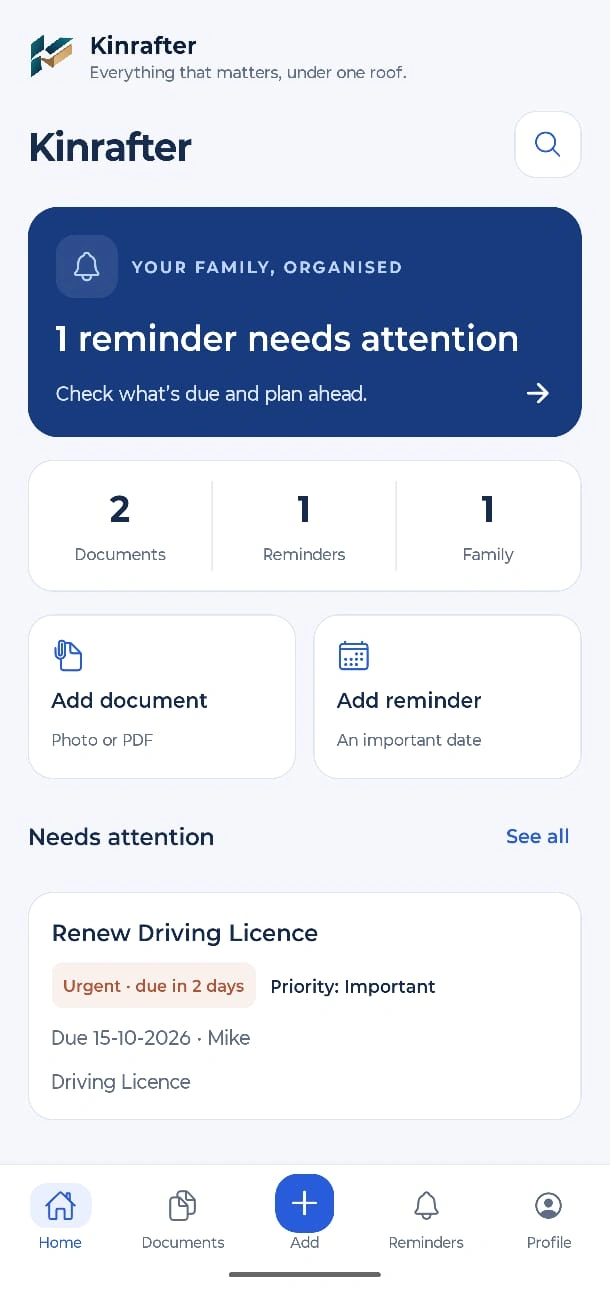
Kinrafter keeps your family's important documents, expiry dates and reminders in one private place. Your documents are encrypted on your phone, so even we can't read them.
One app for the documents you always need at the wrong moment, and the dates you can't afford to forget.
Passports, Aadhaar, insurance, vehicle papers, school and health records. Keep every file in one tidy place, sorted by category and by person.
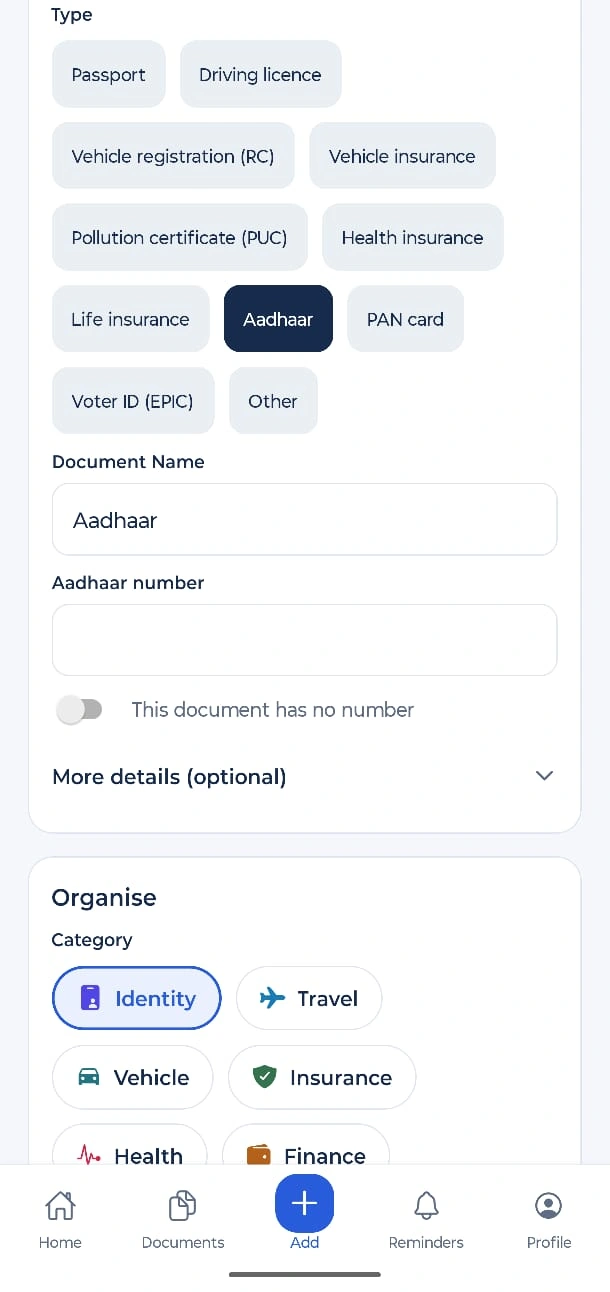
Scan both sides of a card into one file. Attach PDFs, photos, Word and Excel files up to 10 MB.
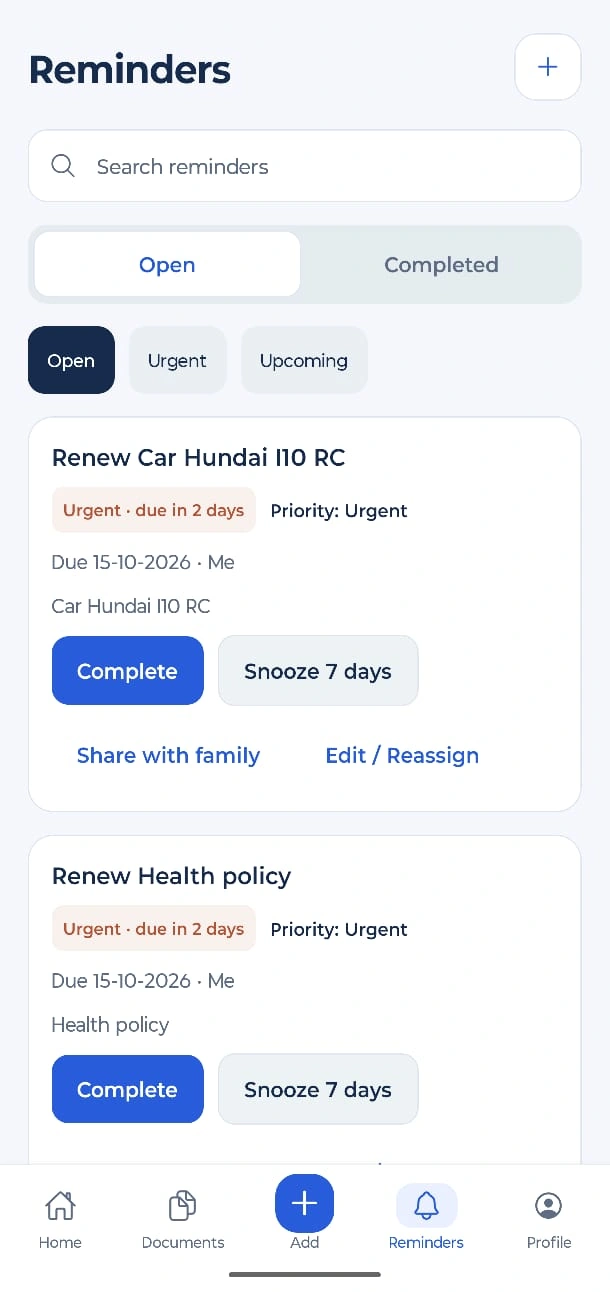
Add an expiry date and choose how early to be reminded: 30 days, 3 months, 6 months or a year. Add your own reminders too, such as loan EMIs and school fees.
Keep documents for yourself, your spouse, children and parents. Up to 4 family profiles.
Invite up to 3 people to see read-only copies of the documents you pick. Stop sharing any time.
Your documents are encrypted on your phone before they are saved online. We never hold the key, so we cannot read them.
A Recovery Code, trusted people who each hold a card, or your old phone. If you lose a phone, you are not locked out.
Search by name, person or document number. Numbers match with or without spaces and dashes.
Three steps, and then Kinrafter does the remembering.
Scan it, take a photo or pick a file. Choose the type, such as Passport or Vehicle insurance, and the person it belongs to.
Enter the expiry date and Kinrafter reminds you before it is due, at 9 AM, on your phone.
Give a family member a read-only copy of just the documents you choose, and take it back whenever you like.
Clear, calm screens made for everyday use. Scroll sideways to see more.
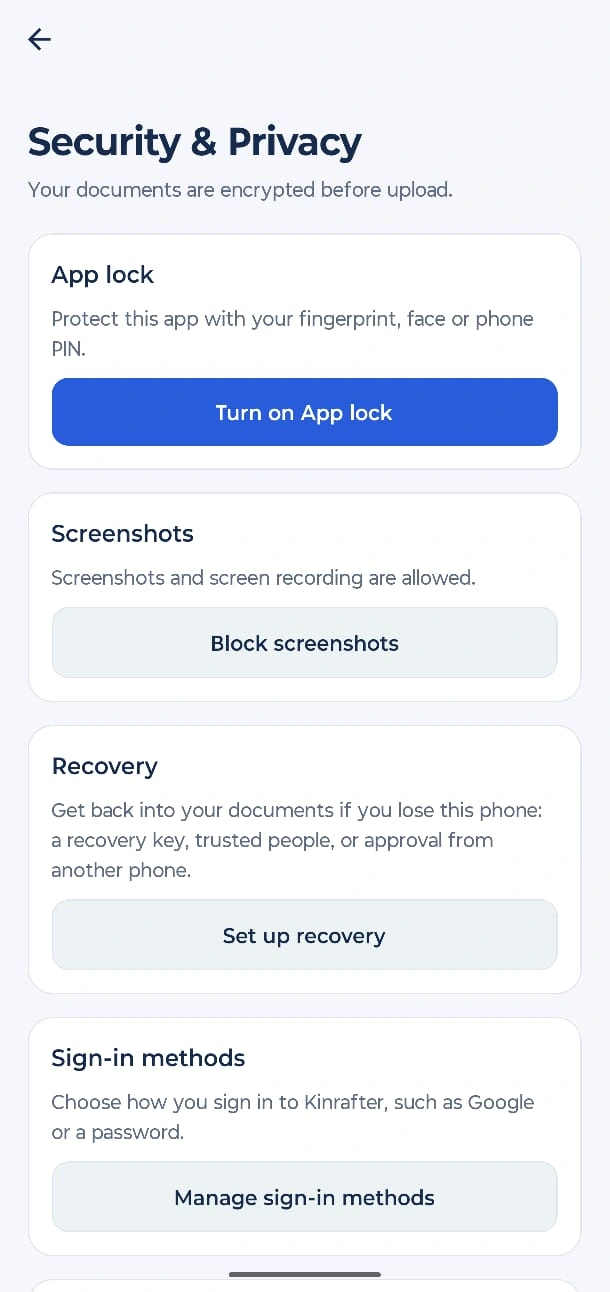
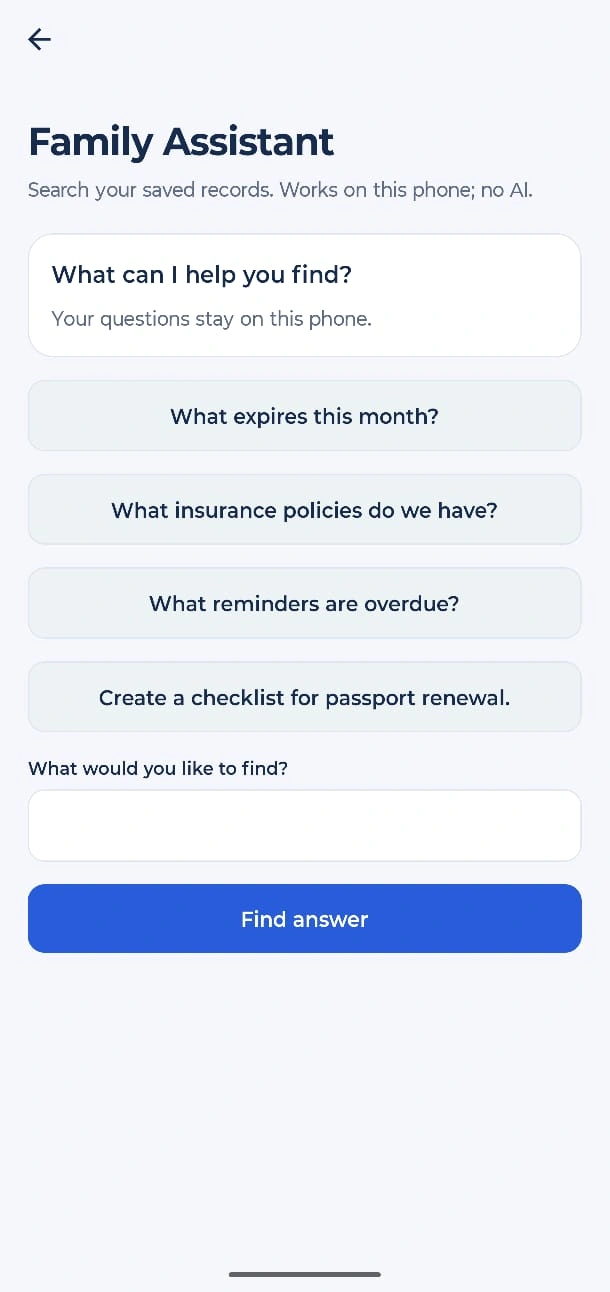
Kinrafter is built so that privacy does not depend on trusting us.
On the Pro plan, your documents, numbers, notes and family details are locked on your phone with AES-256 before anything leaves it.
The key stays on your devices and in your Recovery Code. We never have it, so there is nothing for us to hand over or leak.
On the Free plan, your documents never leave your phone at all.
We do not sell data, show ads or use analytics tools. You can export everything and delete your account in the app.
The trade-off, honestly: if you lose every device and every recovery option, nobody can recover your documents, including us. That is why Kinrafter helps you set up recovery from day one. Read the privacy policy.
The price is shown in the app before you buy. Pro renews yearly and you can cancel in Google Play or the App Store at any time.
Always free
Yearly plan
The full list is in Help & FAQs.
Kinrafter keeps your family’s important documents, renewal dates and reminders in one private place: IDs, vehicle papers, insurance, health records, warranties and more.
Your documents are encrypted on your phone before they are saved online, so nobody else can read them, including us.
No. You can start without an account. Your documents then stay only on this phone (up to 5 documents). If you lose the phone or uninstall the app, they are gone.
Sign in to keep your account, and upgrade to Pro to save your documents online, share them with family and use them on another phone.
No login: up to 5 documents on this phone. Reminders work on the phone. No online copy, no sharing.
Free (signed in): the same 5 documents on this phone, kept separate for your account. Signing in alone does not upload anything.
Pro: up to 100 documents saved online and encrypted, up to 4 people (you and 3 family members), family sharing, and your documents on any phone where you sign in.
Yes. Your records and files are encrypted on your phone with a key only you control. The online copy is encrypted, so we cannot read your documents. That is why your Recovery Code matters: without a working recovery method, nobody can recover your documents.
It is a long code that unlocks your protected documents when your phone’s saved access is unavailable, for example on a new phone. Your password only signs you in. The Recovery Code opens your documents. We cannot see or reset it.
Open Family sharing, find the person and tap Choose documents to share, then tap Share on each document. You can also open a document and tap Share with family.
Kinrafter is on its way. Questions in the meantime? Write to support@kinrafter.com.
Coming soon